Getting Started:
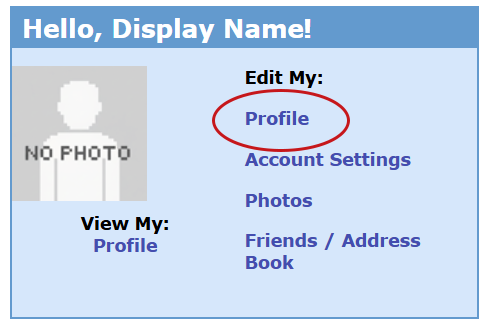
1. Home page ⇥ Edit My: ⇥ Profile
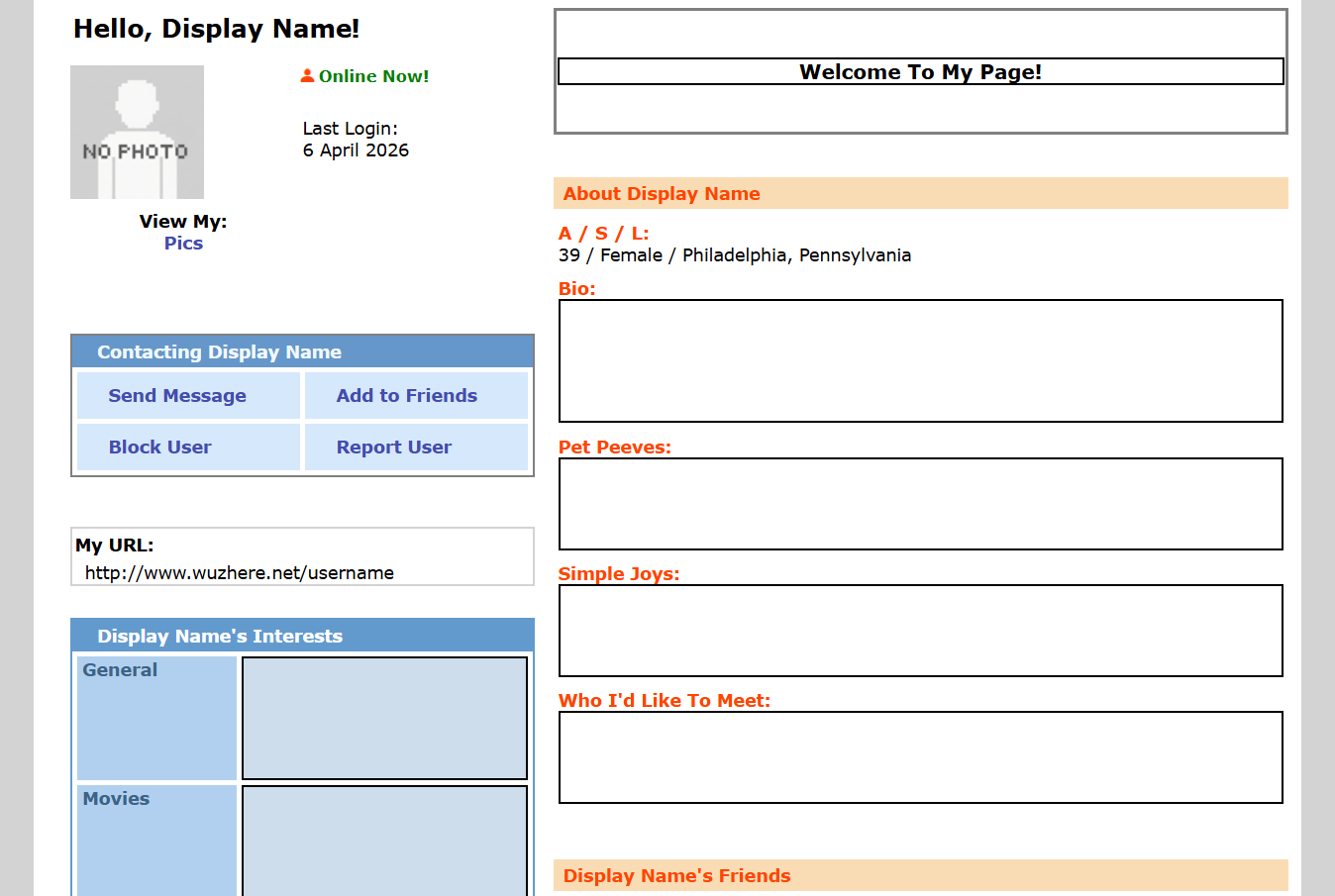
2. Write about yourself. Fill in as much or as little as you would like to share.
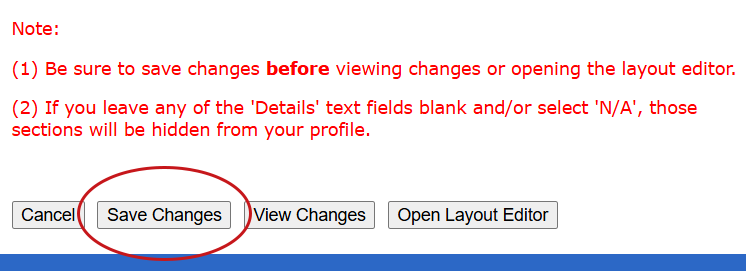
3. [Save Changes]
1. Home page ⇥ Edit My: ⇥ Account Settings
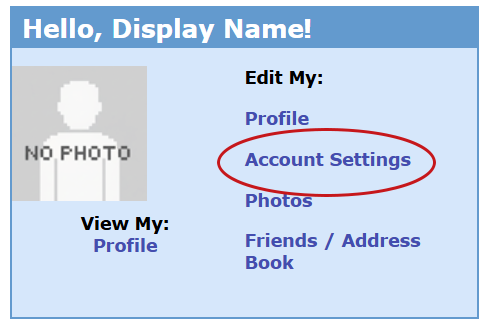
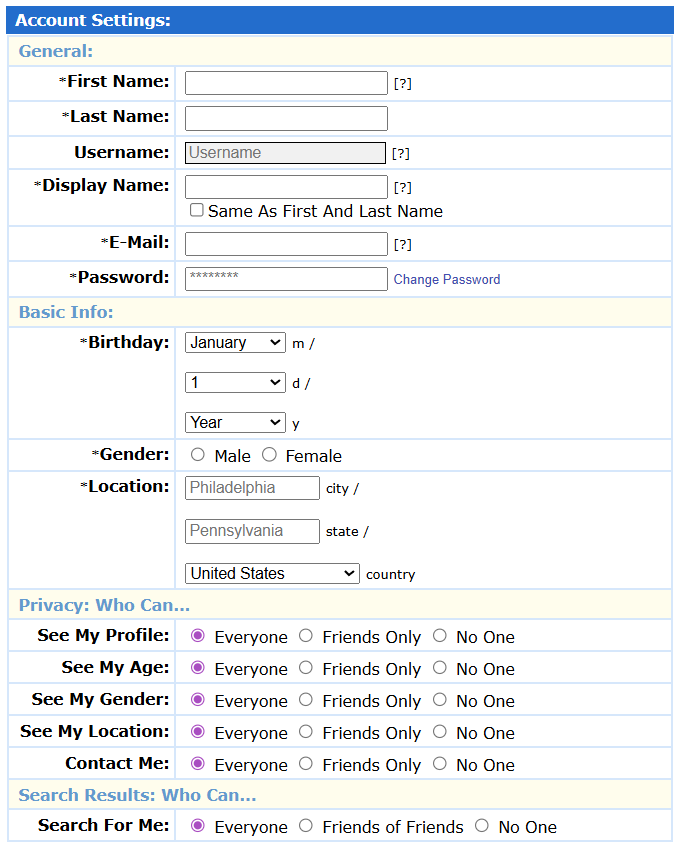
2. Fill out required fields and adjust privacy as you see fit.
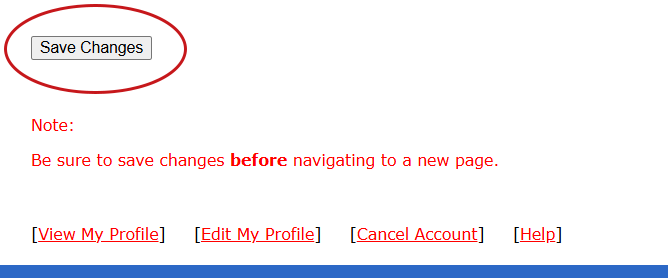
3. [Save Changes]
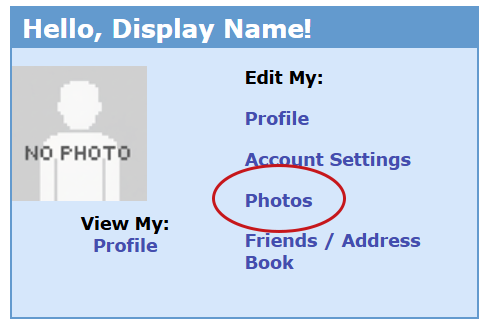
1. Home page ⇥ Edit My: ⇥ Photos
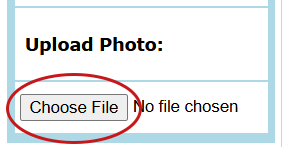
2. Manage Photos ⇥ Upload Photo ⇥ [Choose File]
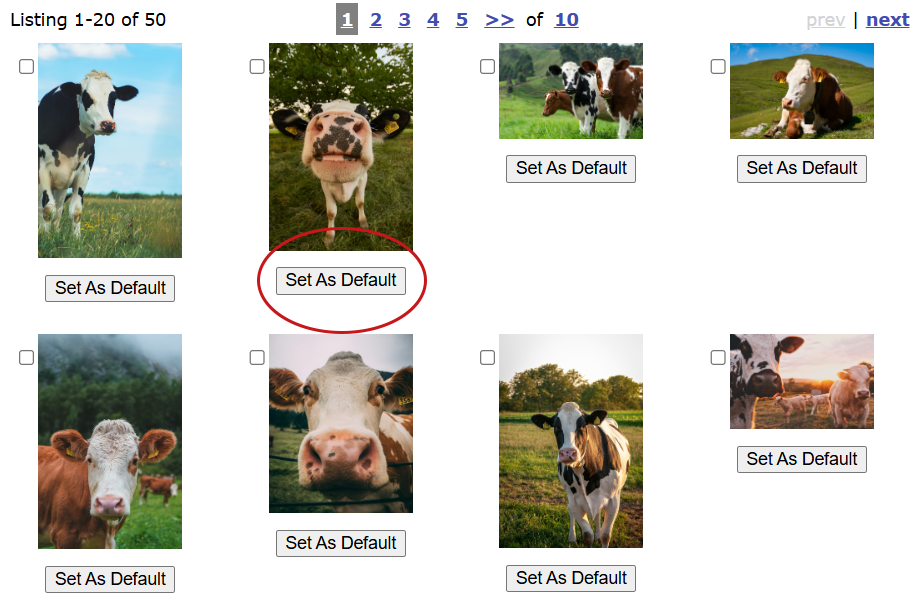
1. Home page ⇥ Edit My: ⇥ Photos
2. ⇥ [Set As Default]
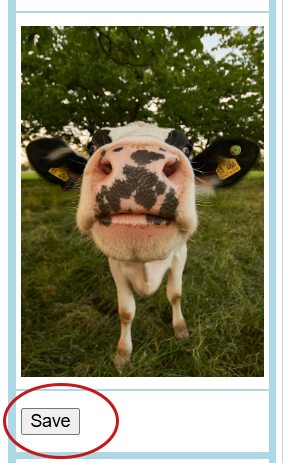
3. Manage Photos ⇥ Default Photo ⇥ [Save]
1. Home page ⇥ Edit My: ⇥ Photos
2. ⇥ Check the box next to the photo(s) you want to remove.
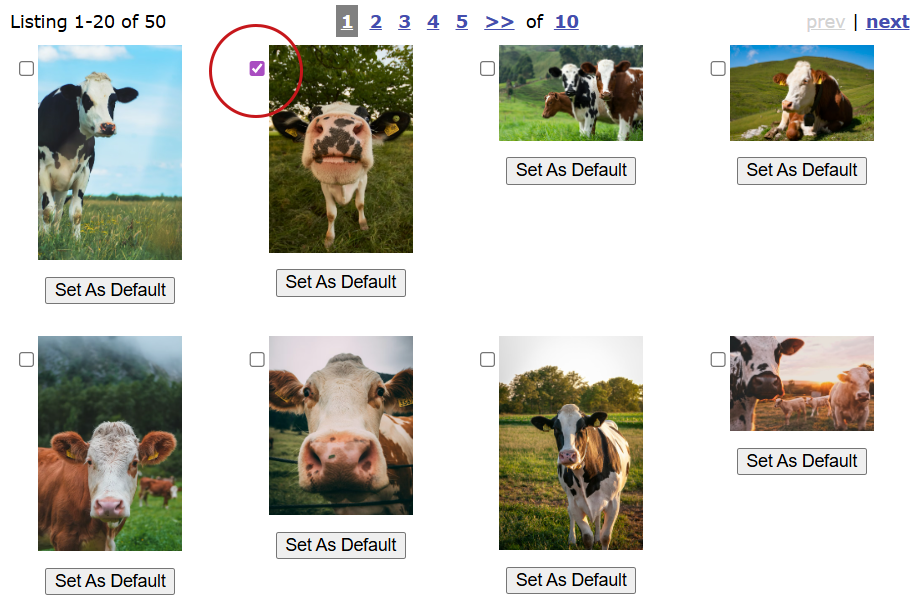
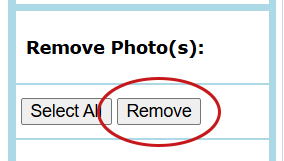
3. Manage Photos ⇥ Remove Photo(s) ⇥ [Remove]
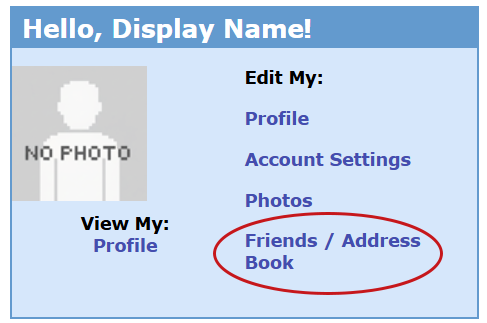
1. Home page ⇥ Edit My: ⇥ Friends / Address Book
2. ⇥ [Remove From Top 8] to remove a friend from your Top 8. ⇥ [Add To Top 8] to add a friend to your Top 8.
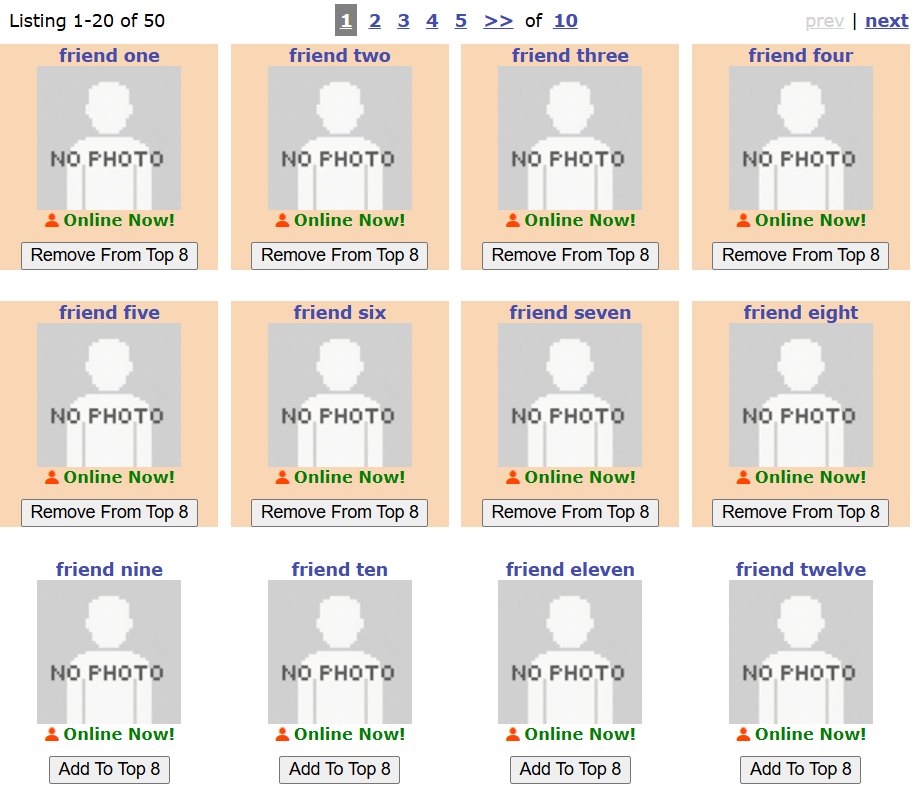
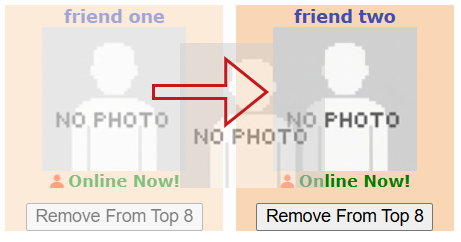
3. Click and drag a friend to a new position in your Top 8. Note: You can only reorder your Top 8 friends.
4. Manage Friends ⇥ [Save Top 8]
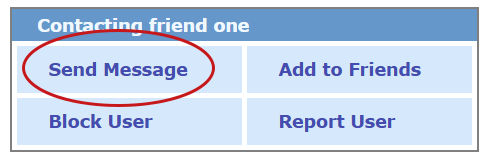
1. Friend's profile page ⇥ contact box ⇥ Send Message
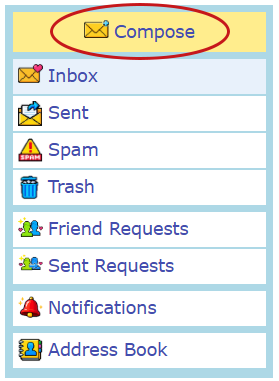
2. Your Mailbox ⇥ Inbox ⇥ Compose